Tools · Solar planner

Solar panel output calculator

A free output calculator for any power station and any panel. It opens pre-loaded with a worked example — change two numbers to yours and see how many panels your daily use needs, what they harvest in a day and how fast they refill the battery.

Battery & daily use
Your panel
Peak sun hours
Advanced — input limits & wiring check (optional)

From the spec sheet and the panel backsheet. Fill them in to add clipping and wiring checks; leave blank for a best-case result.

Panels needed 800 Wh/day at 4h sun1 × 400W
Daily solar harvest 320W real input × 4h × 85%1,088 WhCovers your 800 Wh day with 288 Wh spare.
Full recharge from empty clear-midday conditions≈ 3.7 h
Read the result1 × 400W panel for a 1,000Wh battery

No input window entered, so the result assumes the station accepts everything the panels produce — treat it as a best case. Open Advanced below the inputs to add it.

Planning estimate: real output = 80% of rated watts (most panels land in the 75–85% real-light band) and 85% panel-to-battery efficiency — the factors behind every honest charge-time figure. Sun angle, shade, panel temperature and wiring change the real number.

Questions it answers

Problems this calculator solves

Each card tells you which inputs to set and which number to read. Find your question and follow it in the calculator above — your own battery, your own panel, your own sun.

How many solar panels do I need?

The page opens with a worked example — a 1,000Wh battery, a 400W panel, 4h sun and 800Wh of daily use — already calculated. Change any number to yours and read Panels needed: your daily watt-hours divided by what one panel harvests in a day, rounded up.

What will a 400W panel actually produce in a day?

Enter 400W as the panel and 4h peak sun (a typical clear day) and read Daily solar harvest: about 1,090Wh stored. The nameplate is a lab rating — the calculator starts from the 75–85% real-light band that most panels land in, not from 400W.

How long does solar take to recharge a power station?

Fill in the battery capacity, the panel and the input window if you know it, then read Full recharge from empty. A 1,000Wh battery behind one 400W panel fills in about 3.7 hours of clear midday sun; if the station caps solar input at 200W, the same panel takes about 5.9 hours.

Why doesn't my panel output its rated watts?

Rated watts are Standard Test Conditions: 25°C cells in a laboratory. Real output depends on cell temperature, sun angle, shade and wiring losses. The calculator uses 80% of the nameplate as the real midday figure and 85% panel-to-battery efficiency — the factors behind every honest charge-time figure.

How many panels for cloudy weather or winter?

Drop the sun hours to 2h and watch Panels needed climb. The count doubles roughly with every halving of sun, which is why the winter answer is usually “more panels or an AC recharge plan” — not a bigger battery.

What is my station's solar input window, and do I need it?

It is the maximum watts and volts your station accepts from solar — in the spec sheet or on the charging page of the manual. Both live under Advanced below the inputs: fill them in and the calculator shows when your array would be clipped or mis-wired; leave them blank and it assumes the station accepts everything.


How it works

What the solar calculator does

The calculator answers two different questions that people keep mixing up, from the same set of inputs: how many panels your daily use needs, and how fast a given array recharges the battery. “How many” and “how fast” are separate calculations — a panel can refill a small station in an afternoon yet still fall short of running it all day. It works for any brand, because everything is entered from your own labels and spec sheets.

What it is

A solar-input planner. You enter your battery capacity, your panel's rated watts and the peak sun hours your site gets, plus the watt-hours you drain per day. It returns the harvest per panel, the panel count that covers it, and the empty-to-full recharge time — with the input window applied when you know it, so a big panel behind a small input ceiling is never oversold. Run it as a solar generator calculator too: the same numbers tell you how much panel a generator needs to keep up with what you drain each day.

The formulas behind the result

Every number in the result panel comes from these steps. Run them by hand if you want to check the calculator — or use them in your own spreadsheet.

  1. Real panel output
    W real = rated W × 0.8

    Nameplate watts are a lab rating at 25°C. In clear midday sun most panels land in the 75–85% band, so the calculator takes 80% — a 400W panel becomes 320W, a 200W panel becomes 160W.

  2. Input window
    W used = min(panels × W real, station solar max)

    Every station caps how much solar it accepts. Panels beyond the ceiling are clipped: they add morning and cloudy-day harvest, not peak charging speed. Leave the ceiling blank and the calculator assumes no cap — a best case.

  3. Daily harvest
    Wh/day = W used × peak sun hours × 0.85

    Multiply by the peak sun hours at your site, then by 85% panel-to-battery efficiency. One 400W panel at 4h sun stores about 1,090Wh — roughly a full 1,000Wh battery.

  4. Recharge time
    Hours = battery Wh ÷ (W used × 0.85)

    Clear-midday, empty-to-full. The same arithmetic behind any honest charge-time figure for any station and panel combination.

  5. Panels needed
    Panels = ⌈ daily Wh ÷ harvest per panel ⌉

    Your daily battery use divided by what one panel stores in a day, rounded up. This is the sizing answer — the recharge figure answers a different question, how fast, not how many.

  6. Voltage check
    panels × Voc ≤ station max input V

    Panels wired in series add their open-circuit voltage. The string must stay inside the station's input window or the charge controller will refuse or throttle it. Enter the Voc and the ceiling and the calculator warns before an illegal string.

Worked example: a 1,000Wh battery with a 400W solar input window, one 400W panel and 4 peak sun hours. Real output 400 × 0.8 = 320W, under the ceiling so nothing is clipped. Daily harvest 320 × 4 × 0.85 ≈ 1,088Wh. Recharge 1,000 ÷ (320 × 0.85) ≈ 3.7 hours. Draining 800Wh a day needs ⌈800 ÷ 1,088⌉ = 1 panel.


Step by step

How to use

01

Start from the example

The page opens with a 1,000Wh battery, a 400W panel and 4h of sun already calculated. No blank form — the three result numbers are on screen from the first second.

02

Swap in your numbers

Battery capacity from the label, daily use from the preset chips or the size calculator, panel watts from the backsheet. Every keystroke recalculates all three results.

03

Pick your season

Peak sun hours for your site — 4h is a typical clear day, 2h a winter overcast one. This is the number that swings the panel count the most.

04

Refine with Advanced

Know your station's max solar input and voltage, plus the panel's Voc? Open Advanced below the inputs and the calculator adds clipping and wiring checks. Don't know them — skip it, the result is a labelled best case.


Questions & answers

Solar calculator FAQ

What are peak sun hours?

Not daylight hours. One peak sun hour is the equivalent of one hour of full-strength sunlight (1,000W/m²). A clear day in most temperate latitudes gives about 4; winter overcast can fall to 2; high-desert midsummer reaches 6. Panels only produce their real-rated output around midday, so a “12-hour day” still adds up to roughly 4–5 peak hours.

Why does the calculator use 80% and 85%?

Two different losses, two separate numbers. The 80% converts nameplate to real midday output — most panels land in the 75–85% band in clear sun. The 85% is panel-to-battery charging efficiency, the factor behind honest charge-time tables. Applying them in sequence is what turns 400W of nameplate into about 1,090Wh of stored energy on a clear day.

Can I add more panels than my station's input limit?

You can, and it is called overpaneling — but read the result honestly. Extra panels do not raise peak charging speed once the input window is full; what they add is earlier start in the morning, later finish in the evening and better harvest under cloud. The calculator flags when your panel count exceeds the window instead of pretending the watts stack.

What is the voltage check for?

Panels wired in series add their open-circuit voltages: two 100W panels at 21V Voc make a 42V string, and the string total must stay under the station's maximum input voltage or the charge controller refuses it. Enter the Voc and the voltage ceiling under Advanced and the calculator runs this check for you, warning before an illegal string instead of after.

What if I don't know my station's input limits?

Leave them blank — the calculator then assumes the station accepts everything the panels produce, a best case clearly labelled in the result. When you find “max solar input” (watts) and “solar input range” (volts) in the spec sheet, open Advanced below the inputs and the result tightens immediately.


Next step

Planning a SoreinPower setup?

The math above works for any brand. If the numbers point at our hardware, these are the panels and stations the calculator was built around.

SP220 Solar Panel Solar

Sorein SP220 Solar Panel

$399

  • 220W Pmax | 18.00V Vmp · 12.22A Imp
  • 25% cell efficiency · 7.2kg net
  • Folds to 505 × 600 × 17mm
  • MC4 output · 4 adapter types included
P600 P Series

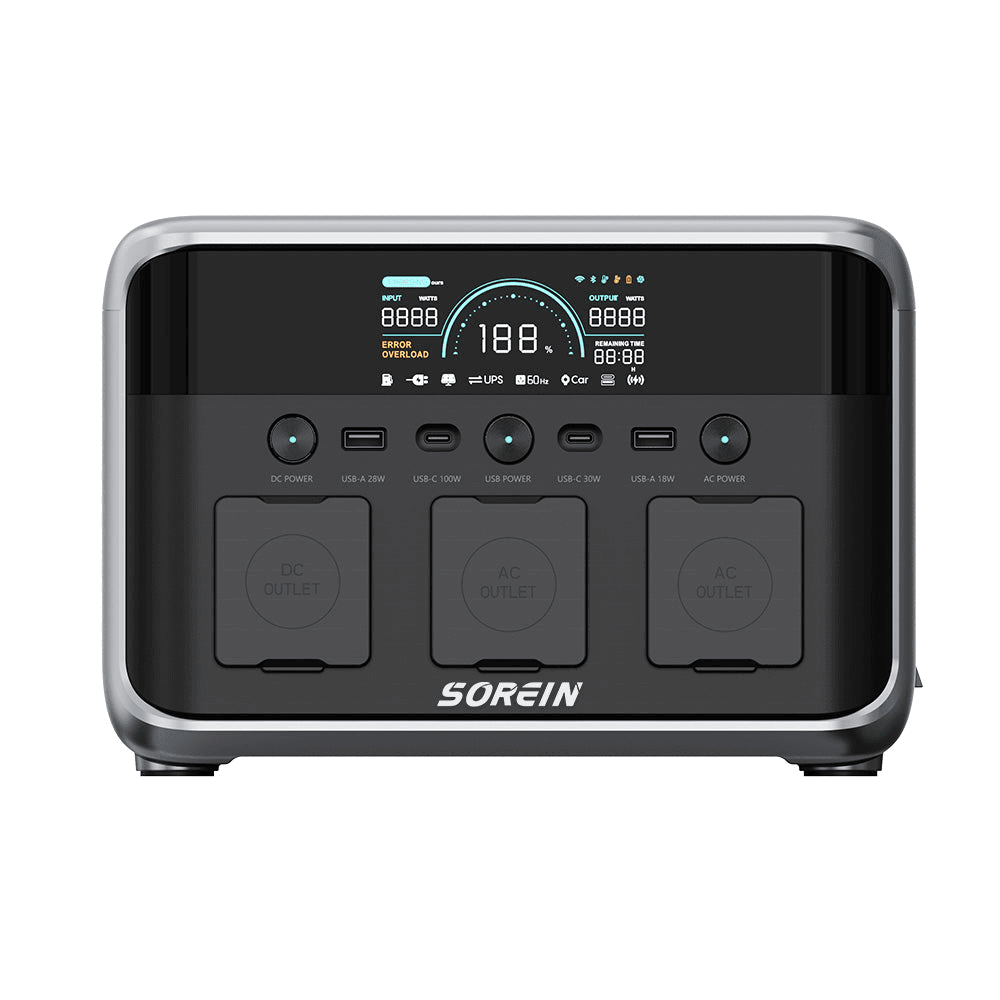
Sorein P600 Portable Power Station

$399

  • 481Wh | 600W
  • 1,000W peak · 2 AC outlets
  • 7.5kg · 100W USB-C PD
P1200 P Series

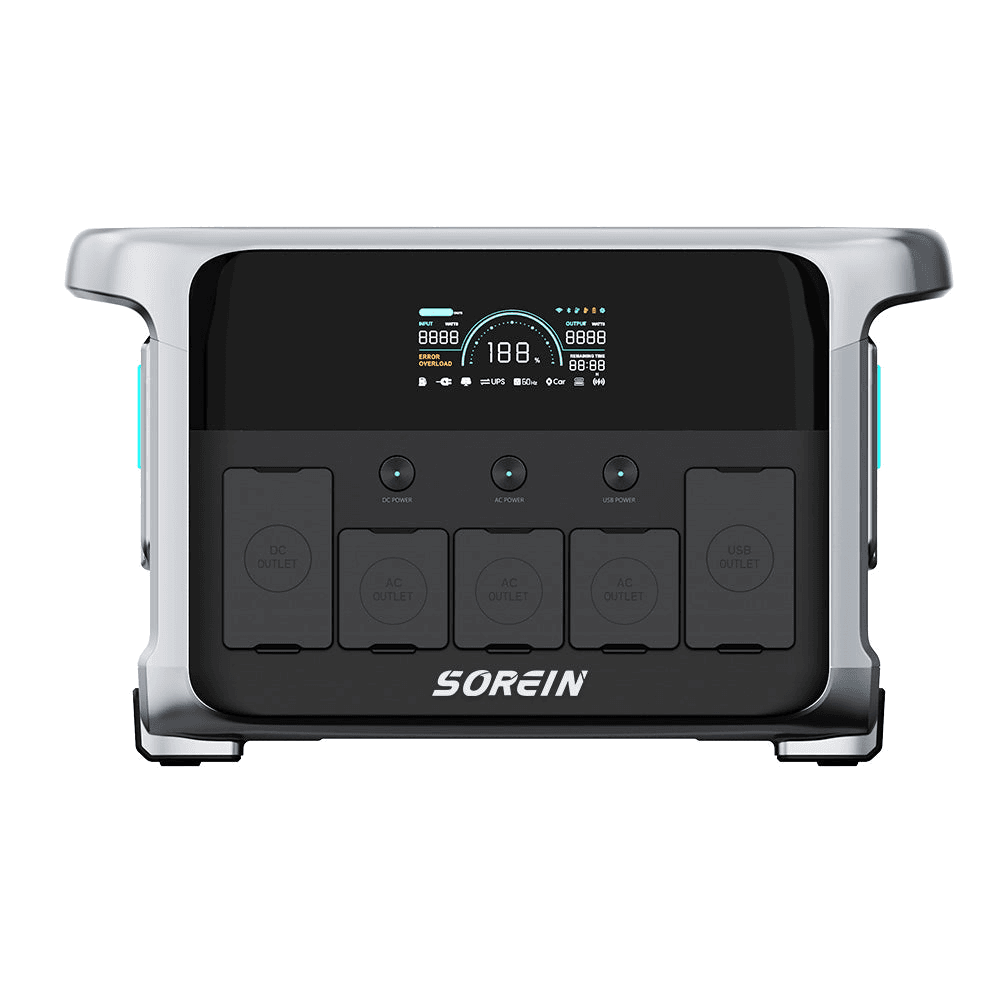
Sorein P1200 Portable Power Station

$699

  • 1,152Wh | 1,200W
  • 2,000W peak · 3 AC outlets
  • 100W USB-C fast charging